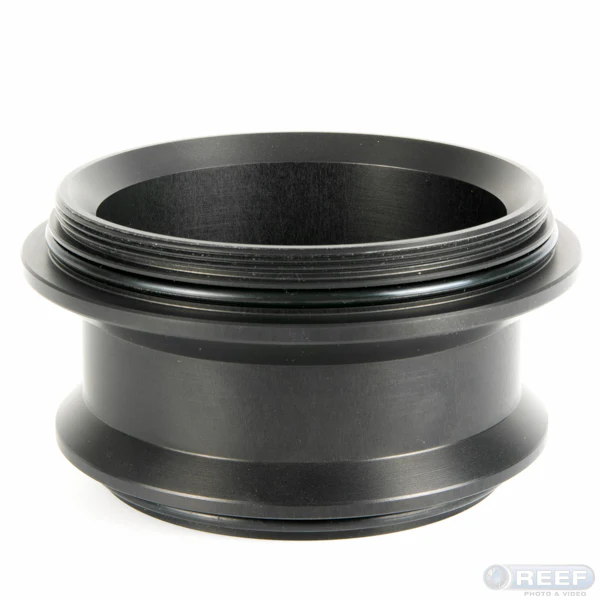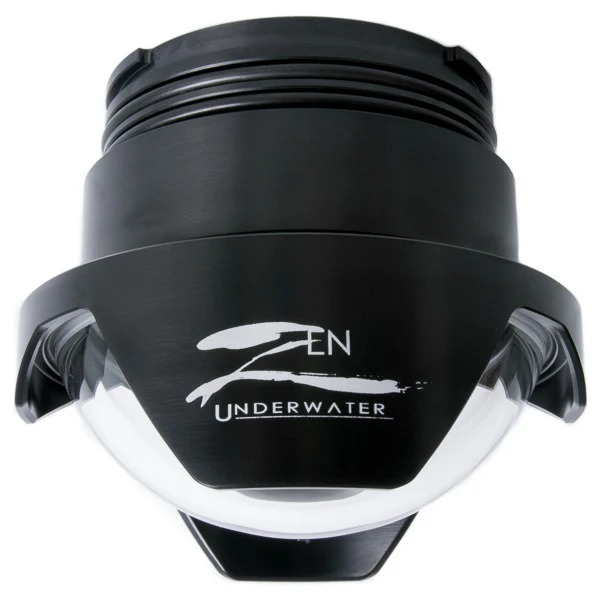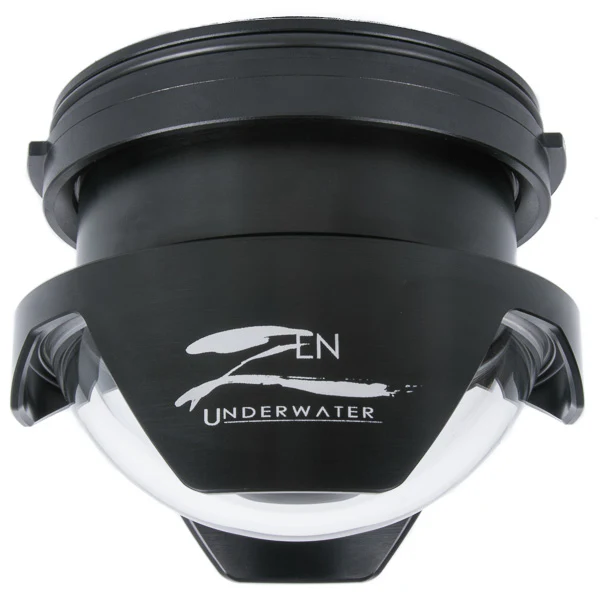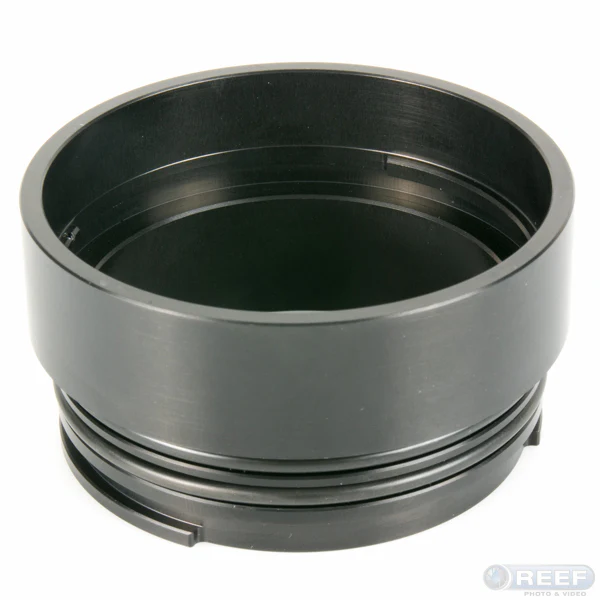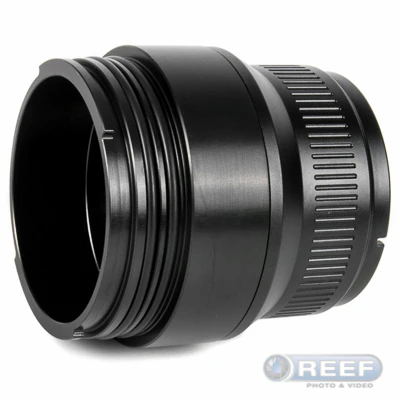
Zen Underwater PA-EP08-EP Port Adaptor for Pen Domes
Zen Underwater PA-EP08-EP Port Adaptor for Pen Domes
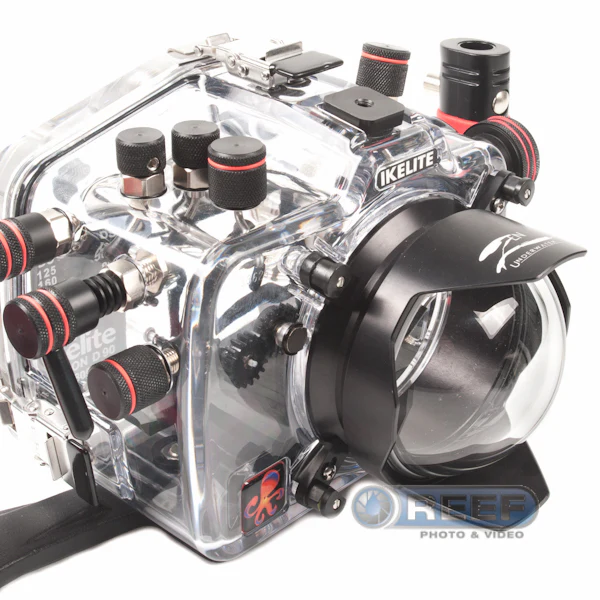
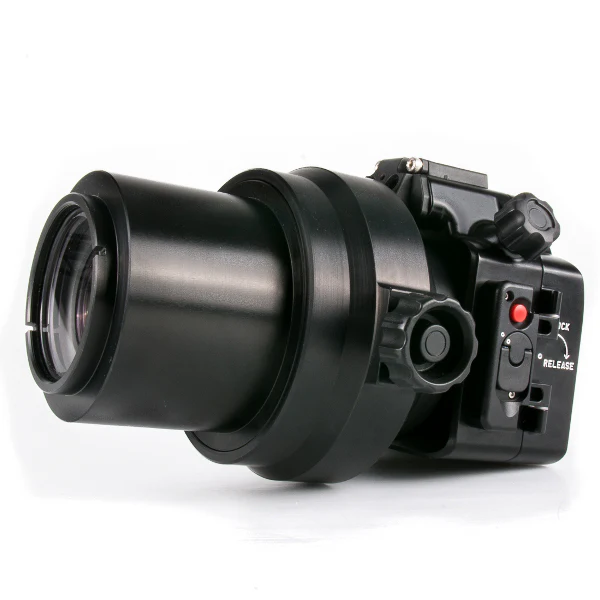
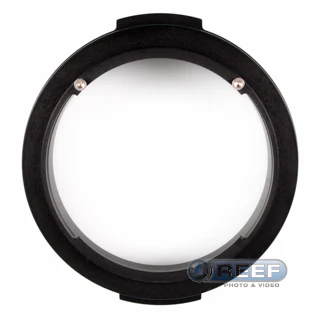
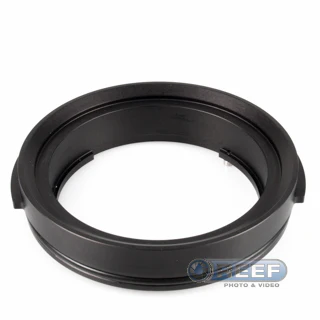
When Olympus introduced the PT-EP08 housing for the wonderful OM-D E-M5 camera, they introduced a new port mounting system and size.

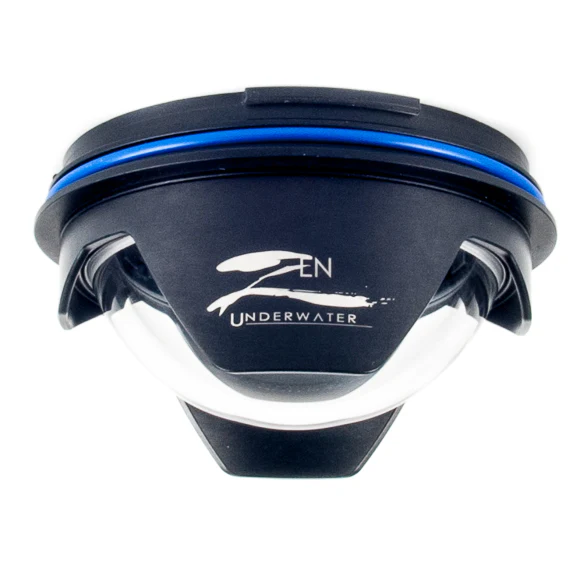
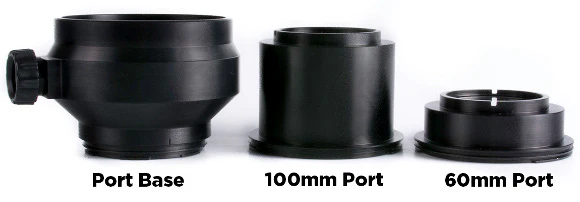
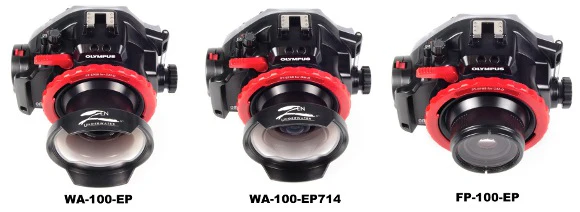
Zen Underwater designed and tested this adaptor which permits use of existing Zen ports for Olympus micro-four thirds housings. Following are three examples:
- Zen Underwater WA-100-EP
- Zen Underwater WA-100-EP714
- Zen Underwater FP-100-EP Flat Port
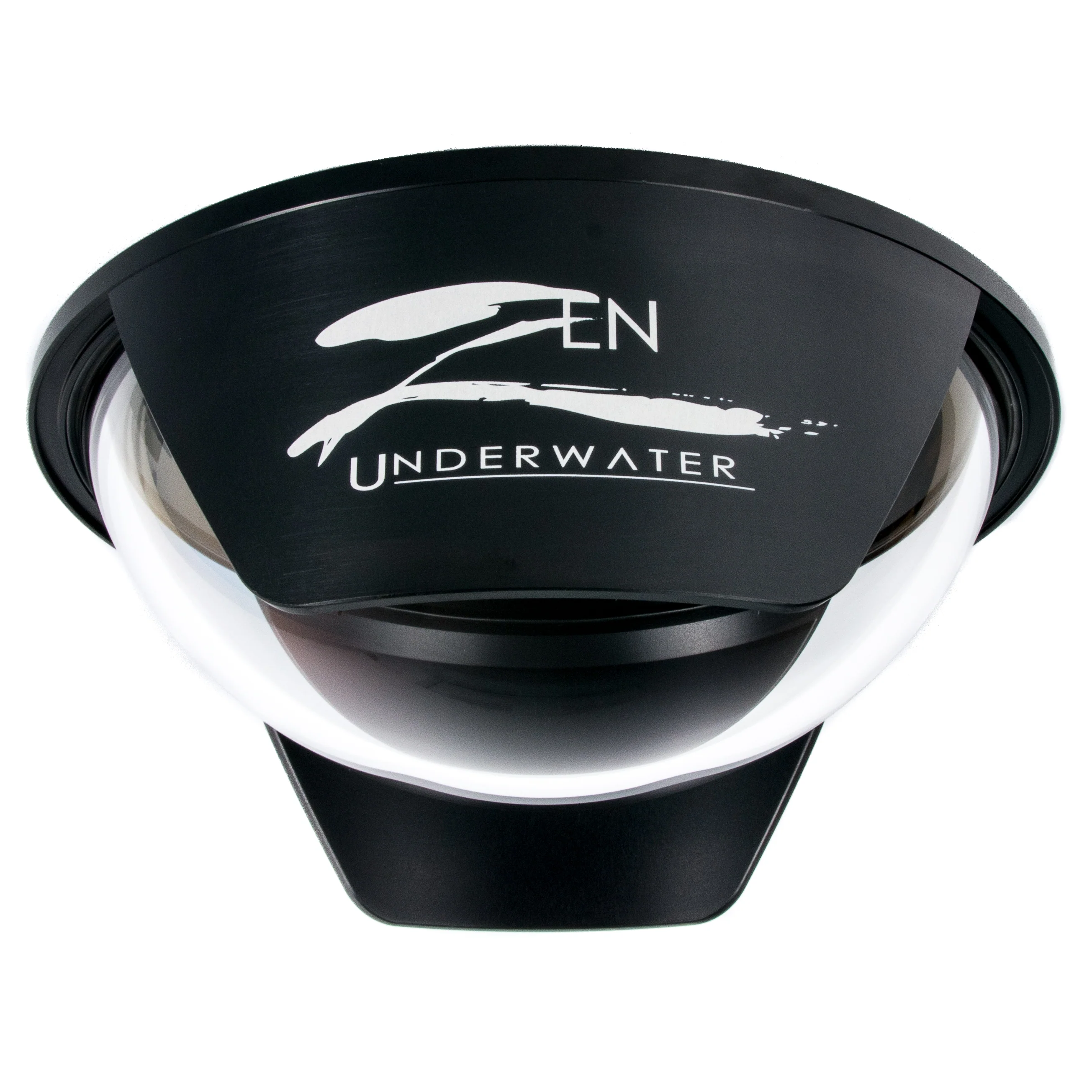
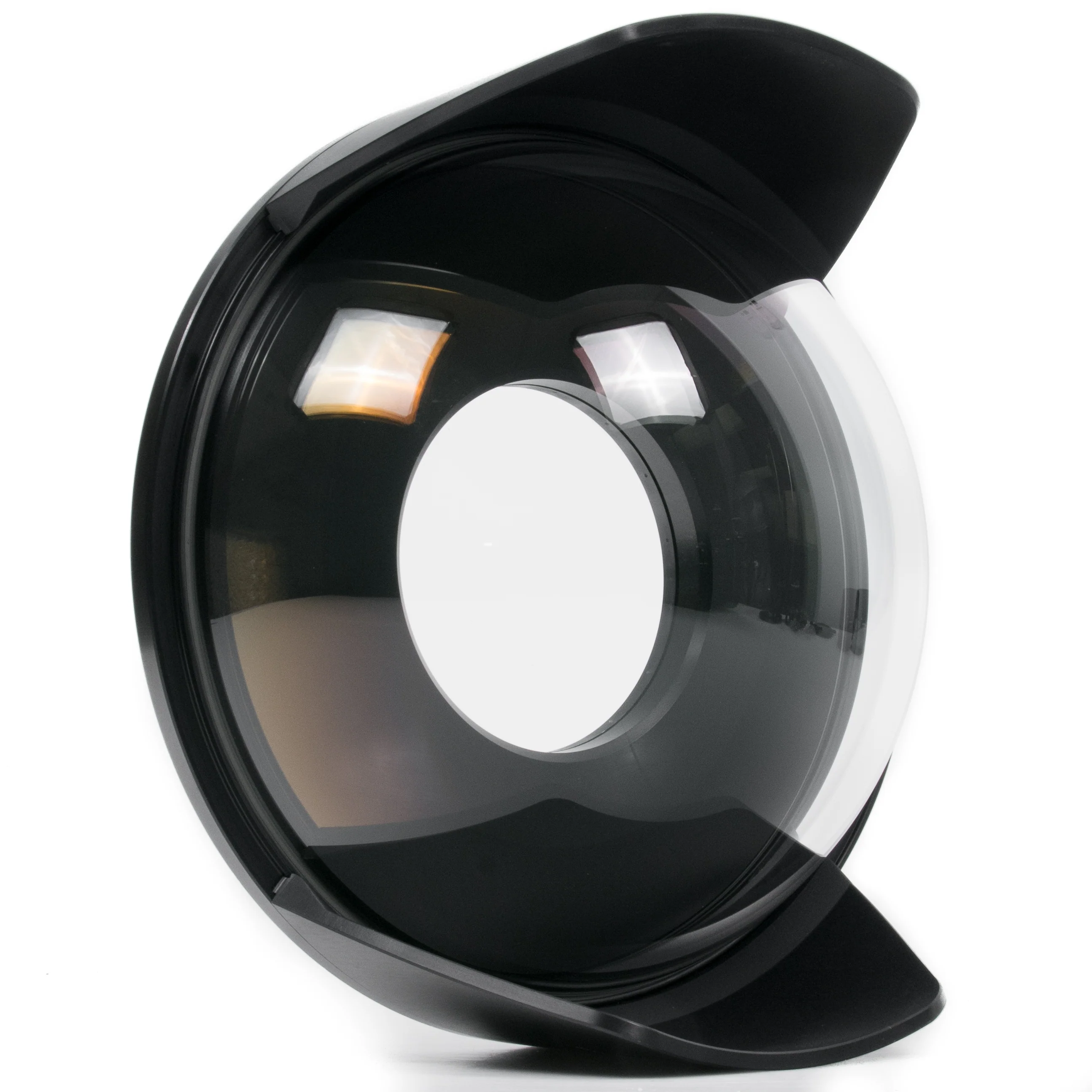
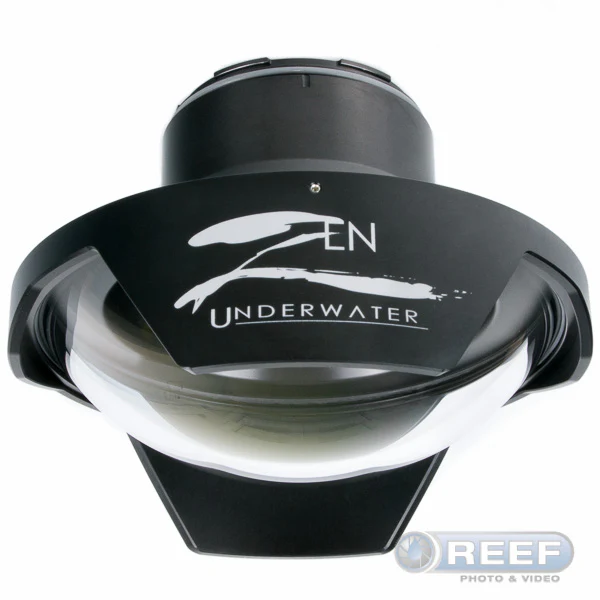
Unfortunately, this adaptor is not compatible with Zen DP-100-EP port. To use the Panasonic 8mm fisheye lens with this housing, you will need the Zen Underwater DP-100-EP08 optical glass dome.
The PA-EP08-EP Adapter Uses Two Locking Screws.
Remove one of the locking screws, install the adapter onto your port, then replace the locking screw. This will ensure that your port can be locked in to the housing.
|
Use a 2mm Hex to Remove One of the Locking Screws |
Insert the Port Fully Into the Adapter |
After the port is fully inserted into the adaptor, rotate the port until it touches the remaining locking screw, so that the port can not be rotated any further. If the port is not fully inserted into the adapter, it will not be possible to rotate it.
|
Replace the Locking Screw. Port is Now Locked to Adaptor |
You may now insert the port with the adaptor into the Olympus housing, then secure the assembly as you would with any Olympus port.
Product Information
Product Information
Shipping & Returns
Shipping & Returns
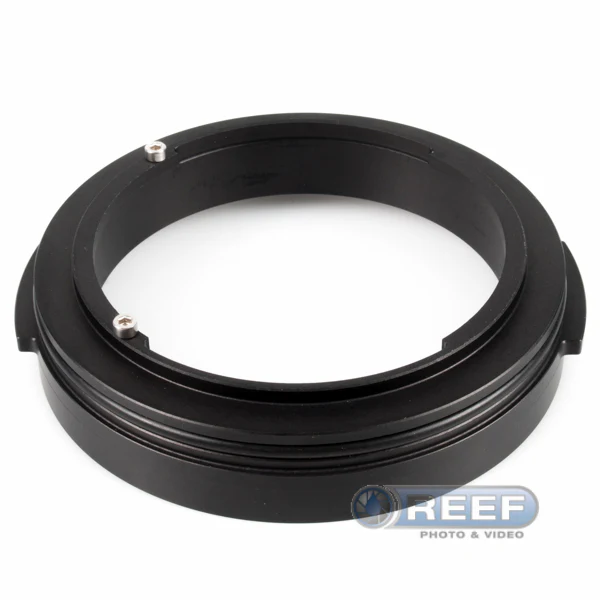
Zen Underwater PA-EP08-EP Port Adaptor for Pen Domes
Zen Underwater PA-EP08-EP Port Adaptor for Pen Domes
Zen Underwater PA-EP08-EP Port Adaptor for Pen Domes
When Olympus introduced the PT-EP08 housing for the wonderful OM-D E-M5 camera, they introduced a new port mounting system and size.
Zen Underwater designed and tested this adaptor which permits use of existing Zen ports for Olympus micro-four thirds housings. Following are three examples:
- Zen Underwater WA-100-EP
- Zen Underwater WA-100-EP714
- Zen Underwater FP-100-EP Flat Port
Unfortunately, this adaptor is not compatible with Zen DP-100-EP port. To use the Panasonic 8mm fisheye lens with this housing, you will need the Zen Underwater DP-100-EP08 optical glass dome.
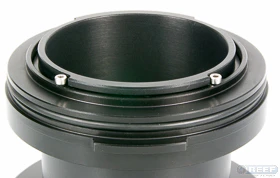
The PA-EP08-EP Adapter Uses Two Locking Screws.
Remove one of the locking screws, install the adapter onto your port, then replace the locking screw. This will ensure that your port can be locked in to the housing.
|
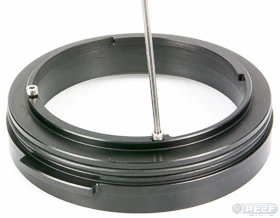
Use a 2mm Hex to Remove One of the Locking Screws |
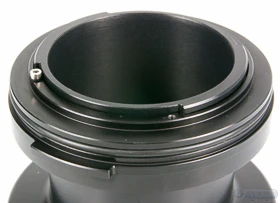
Insert the Port Fully Into the Adapter |
After the port is fully inserted into the adaptor, rotate the port until it touches the remaining locking screw, so that the port can not be rotated any further. If the port is not fully inserted into the adapter, it will not be possible to rotate it.
|
Replace the Locking Screw. Port is Now Locked to Adaptor |
You may now insert the port with the adaptor into the Olympus housing, then secure the assembly as you would with any Olympus port.
Original: $240.00
-65%$240.00
$84.00Product Information
Product Information
Shipping & Returns
Shipping & Returns
Description
Zen Underwater PA-EP08-EP Port Adaptor for Pen Domes
When Olympus introduced the PT-EP08 housing for the wonderful OM-D E-M5 camera, they introduced a new port mounting system and size.
Zen Underwater designed and tested this adaptor which permits use of existing Zen ports for Olympus micro-four thirds housings. Following are three examples:
- Zen Underwater WA-100-EP
- Zen Underwater WA-100-EP714
- Zen Underwater FP-100-EP Flat Port
Unfortunately, this adaptor is not compatible with Zen DP-100-EP port. To use the Panasonic 8mm fisheye lens with this housing, you will need the Zen Underwater DP-100-EP08 optical glass dome.
The PA-EP08-EP Adapter Uses Two Locking Screws.
Remove one of the locking screws, install the adapter onto your port, then replace the locking screw. This will ensure that your port can be locked in to the housing.
|
Use a 2mm Hex to Remove One of the Locking Screws |
Insert the Port Fully Into the Adapter |
After the port is fully inserted into the adaptor, rotate the port until it touches the remaining locking screw, so that the port can not be rotated any further. If the port is not fully inserted into the adapter, it will not be possible to rotate it.
|
Replace the Locking Screw. Port is Now Locked to Adaptor |
You may now insert the port with the adaptor into the Olympus housing, then secure the assembly as you would with any Olympus port.